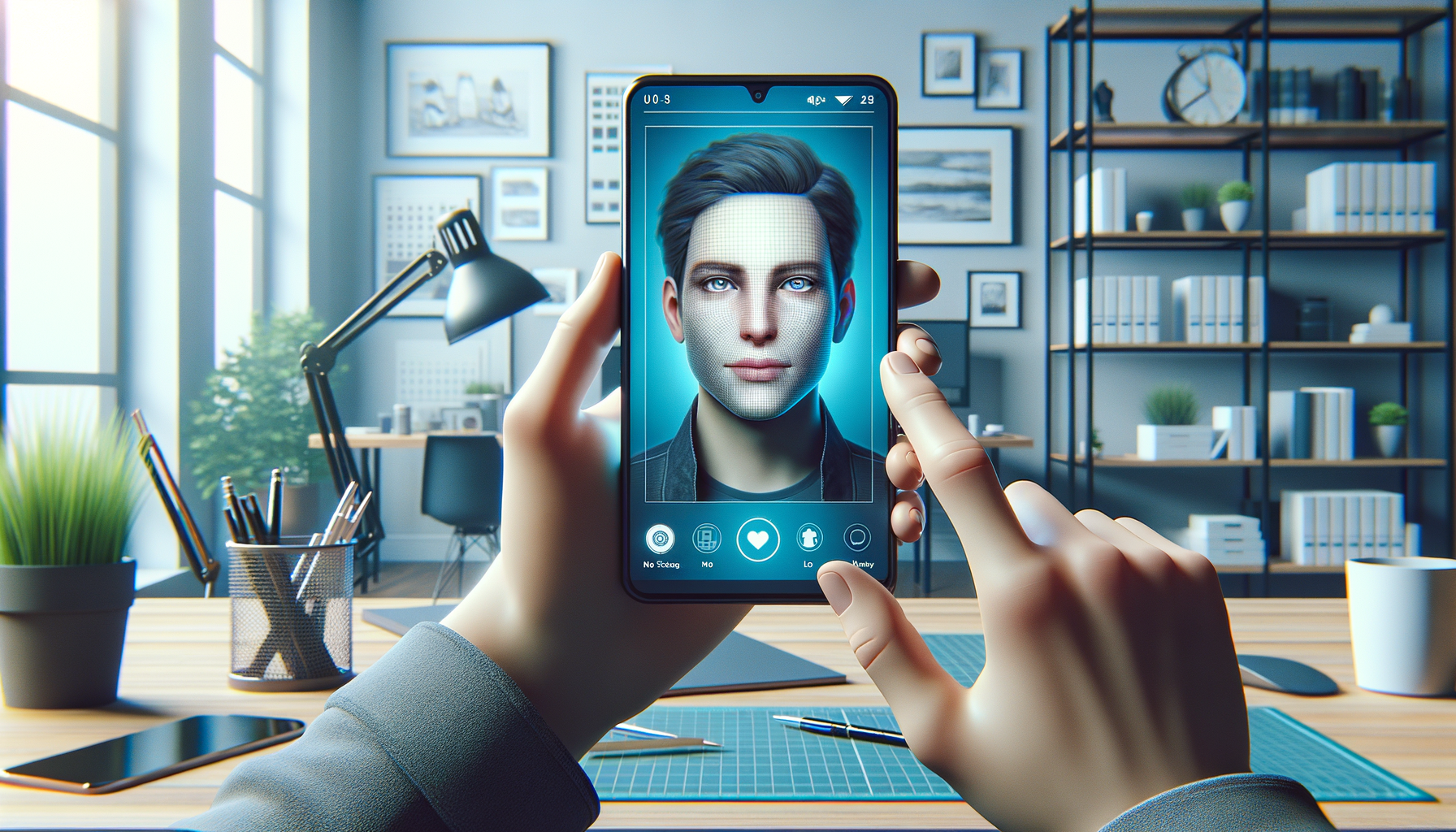
Photo face swap with studio accuracy
Swap faces in stills with natural skin tone matching, lighting correction, and detail preservation.
Face swap, photo face swap, video faceswap
DeepFakesWeb lets you create realistic photo face swap edits and smooth video faceswap clips with privacy-first processing, instant previews, and studio-quality results.
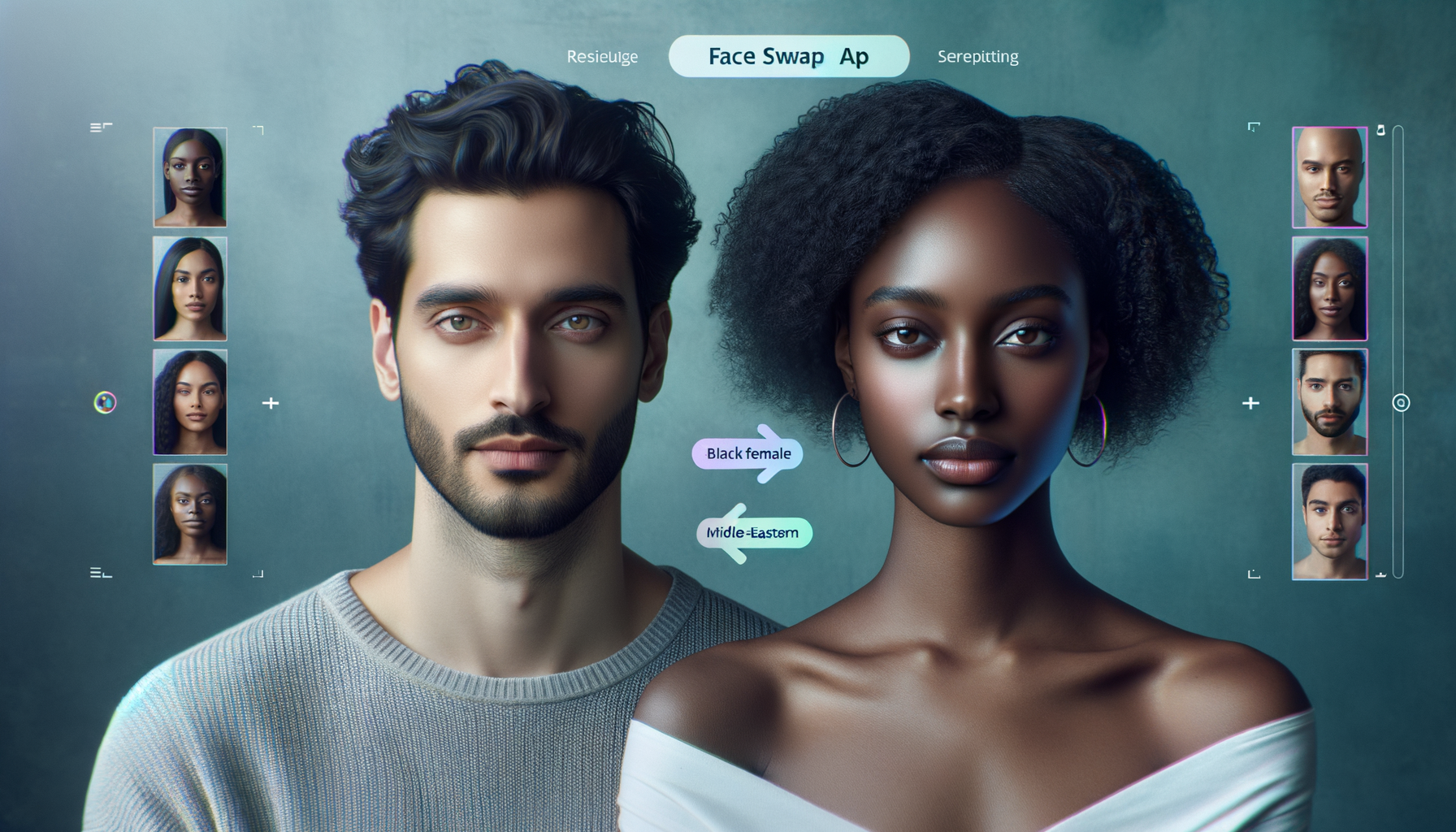
Trusted by creators, editors, and everyday users worldwide
Build realistic swaps in seconds with advanced alignment, lighting match, and motion tracking.
Swap faces in stills with natural skin tone matching, lighting correction, and detail preservation.
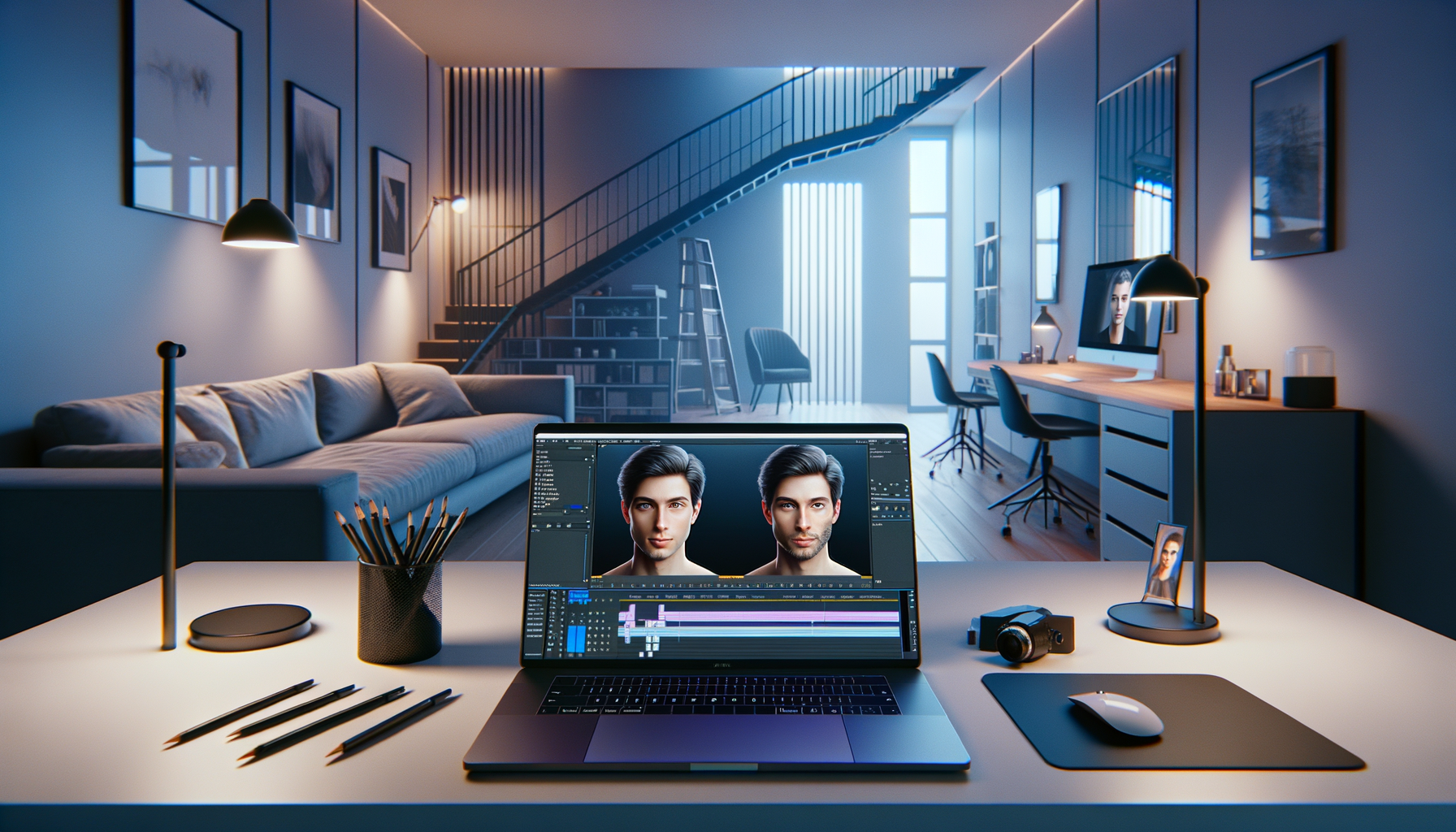
Frame-by-frame motion tracking keeps expressions, angles, and shadows consistent across the clip.
Swap multiple faces in one scene with precise tracking and smart occlusion handling.
Start faster with curated presets for memes, cinematic edits, and creator workflows.
From upload to share in under a minute.
Add your photo or video and select the target face.
Get a live preview and adjust swap intensity or lighting.
Download in HD and share to social in one tap.
Learn how to create realistic swaps and stay safe online.

Keep your data safe with local processing and auto-delete settings.

Batch processing and presets that cut editing time in half.
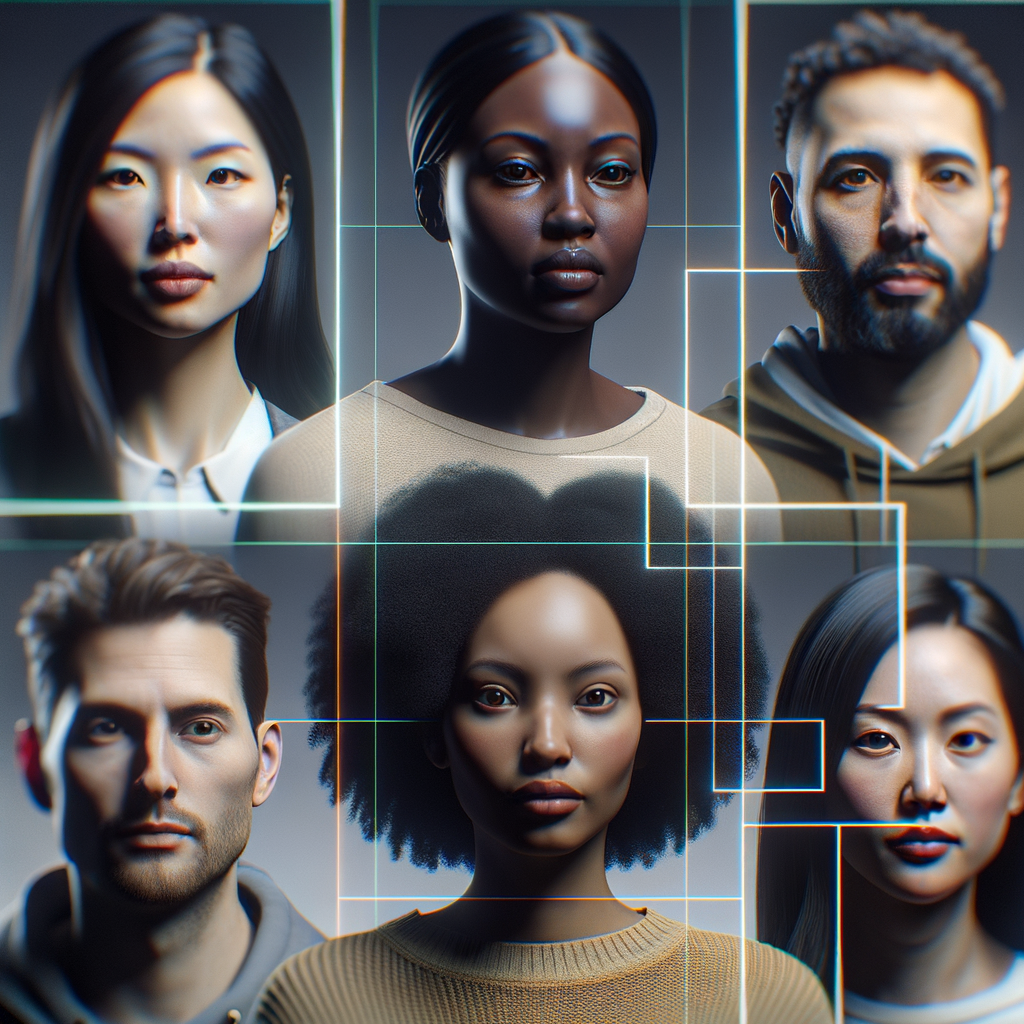
How to keep edges clean and lighting consistent across faces.

Pick the right template for memes, reaction videos, and reels.
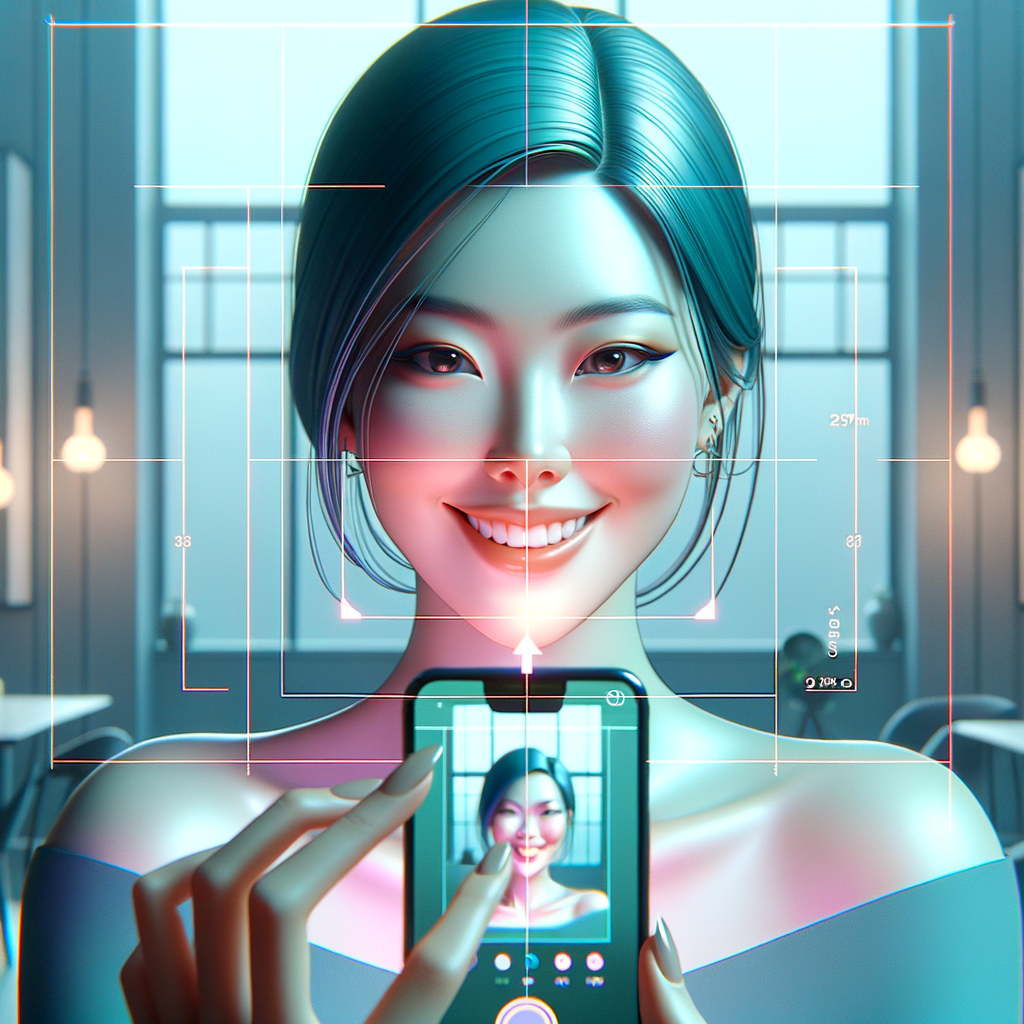
Match angles, expressions, and lighting for seamless results.
Download the app and start creating realistic swaps today.
Yes. You can start with free swaps and upgrade for higher limits and premium presets.
We match lighting, skin tone, and motion to keep results natural and consistent.
Yes. The app is optimized for mobile processing and exports HD clips quickly.
We minimize data retention and support auto-delete by default.
Most common photo and video formats are supported, including PNG, JPG, and MP4.
Yes. Multi-face mode lets you swap group shots with reliable tracking.